
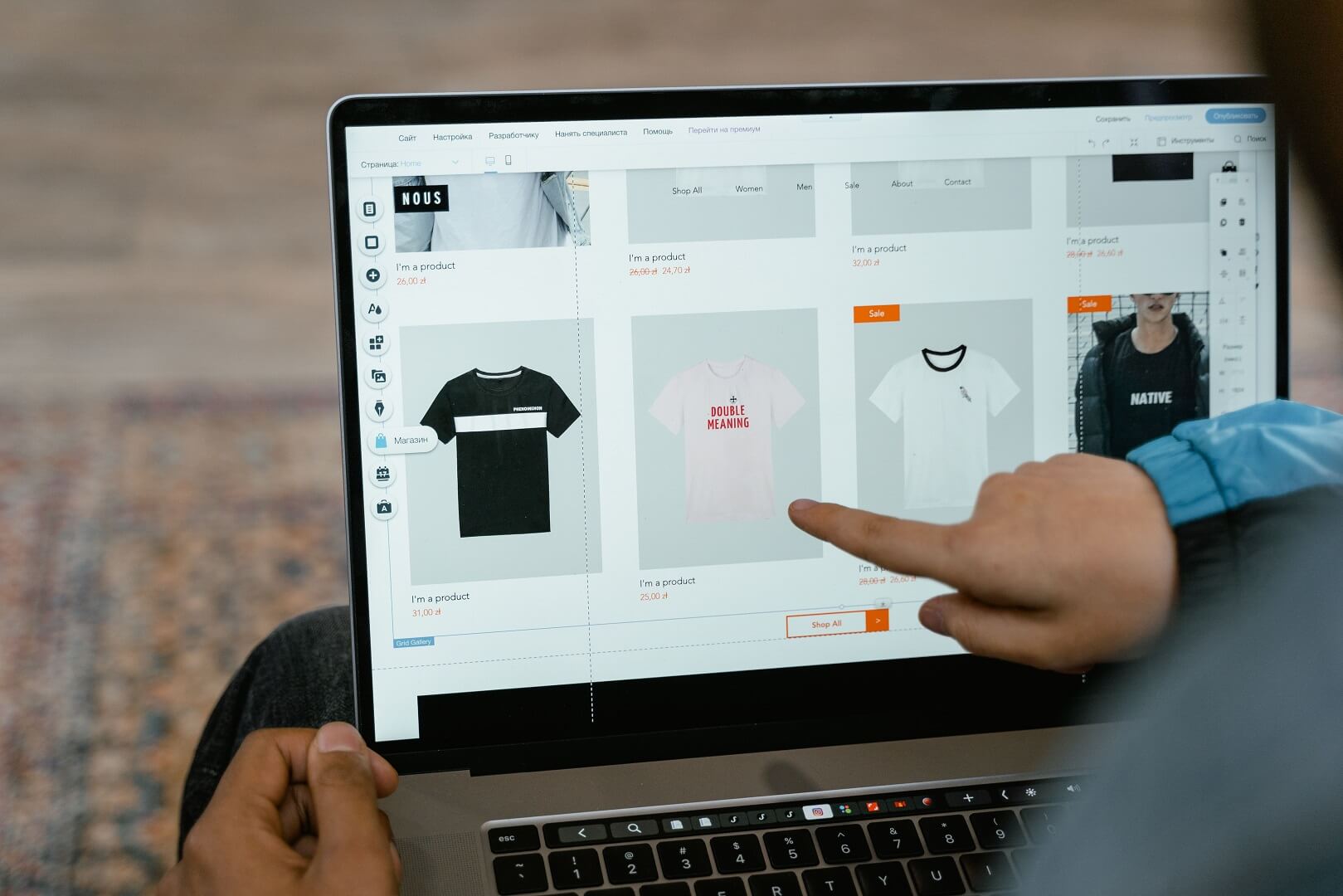
Ecommerce SaaS is the most practical choice for most small businesses in India. You rent a complete online store from a provider that hosts it, secures it, updates it and supports it, instead of buying servers, installing software or hiring developers. In return you accept some limits on customisation, a recurring cost, and a dependence on the provider. For a merchant whose job is selling, not running technology, that trade is usually worth it.
This guide explains what ecommerce software-as-a-service means in plain terms, what a small business gets and gives up, who is responsible for what compared with a self-hosted store or a custom build, how to calculate the real cost over a year, and the risks to manage before you sign. It uses ShopMate as one example of a platform built for Indian merchants and is honest about the situations where SaaS is not the right answer.
Quick answer: Choose ecommerce SaaS if you want to launch quickly, have no in-house developer and want hosting, security, payments, shipping and GST handled for you. Compare providers on total cost at your sales volume, not the headline price, and check data export, support hours and contract terms. Choose self-hosted or custom software only if you have specific needs and the technical team to maintain it.
What "SaaS" means for an ecommerce business
The US National Institute of Standards and Technology defines software as a service as the capability to use a provider's applications running on cloud infrastructure, accessed through a web browser or program interface, where the customer does not manage or control the underlying servers, network, storage or operating systems (NIST SP 800-145, The NIST Definition of Cloud Computing). In ecommerce terms, that means the provider runs the store software, and you log in to an admin panel to manage products, orders and customers.
Many SaaS platforms are also multi-tenant. A single, shared technical platform serves many merchants, and each merchant's store, settings and data are kept separate. ShopMate is built this way: every merchant gets an isolated, branded storefront and admin panel, with data isolation, on shared infrastructure (About ShopMate). For you, multi-tenancy is why a SaaS provider can offer professional-grade infrastructure at a small business price: the cost of running, securing and improving the platform is shared across many merchants.
What a small business gets with SaaS
- Hosting and uptime handled. You do not rent servers, configure them or react when they go down at midnight.
- Security and updates handled. The provider applies patches and platform updates, rather than you or a freelancer.
- Payments ready. A gateway integration such as Razorpay, covering UPI, cards, net banking, EMI and wallets, is built in rather than assembled from plugins.
- Shipping ready. Courier integrations, rate comparison, labels and tracking are part of the product. ShopMate connects to 40+ shipping partners covering all India pincodes (ShopMate).
- GST handled. GST-compliant invoices are generated on every order.
- A branded storefront. Your own domain, logo, colours and mobile-responsive pages, without design work from scratch.
- Support. Someone to call when something breaks, which is worth a lot to a team of one or two.
- Faster launch. Weeks, not months, from decision to first order.
What you give up with SaaS
SaaS is not free of trade-offs, and a trustworthy provider will tell you about them:
- Customisation limits. You work within the features and themes the provider offers. Unusual workflows may not be possible.
- Dependence on the provider. If the provider changes pricing, features or terms, or has an outage, you are affected.
- Recurring cost. There is always an ongoing fee, whether a subscription, a commission or both.
- Data portability. Moving later takes effort, and some providers make export harder than others.
- Shared roadmap. You cannot decide what gets built next; you can only ask.
Who is responsible for what
The clearest way to compare SaaS with the alternatives is to ask who does each job. This is the difference that small businesses most often underestimate, because the work of running a store does not end when it launches.
| Responsibility | Hosted SaaS | Self-hosted (such as WooCommerce) | Custom build |
|---|---|---|---|
| Servers and hosting | Provider | You, or your hosting company | You or your developers |
| Software updates and security patches | Provider | You or a developer | Your developers |
| Backups | Provider | You, usually through hosting or plugins | Your developers |
| Plugins or extensions | Provider, built in | You choose, buy and keep compatible | Built to order |
| Payment gateway integration | Provider | Plugin you configure | Built to order |
| Changes to GST or compliance rules | Provider updates the product | You update plugins or settings | Your developers |
| Uptime and performance | Provider | You and your host | You and your developers |
| Customisation | Within provider limits | Wide, with developer help | Unlimited, at a cost |
| Cost behaviour | Predictable fee | Variable; grows with plugins, traffic and developer time | High upfront, ongoing maintenance |
Self-hosted software is a legitimate choice, and the open-source WooCommerce plugin for WordPress is free to download. But it must run on hosting that meets its requirements (WooCommerce server requirements), and keeping the site secure is the owner's job; WordPress's own handbook includes a full guide on hardening WordPress, and WooCommerce publishes a site and data security FAQ. For a business without a technical person, those tasks tend to be neglected until something goes wrong.
How to calculate the real cost
The headline price of a platform is only one line of the total cost of ownership. Fill in this list for each option over twelve months:
| Cost line | Hosted SaaS | Self-hosted |
|---|---|---|
| Platform subscription or commission | Yes | None for the software; premium extensions may cost |
| Hosting | Included | Yes |
| Domain | Varies by provider | Yes |
| Theme or design | Often included or low cost | Free or paid theme, plus customisation time |
| Plugins or apps | Often included, sometimes paid | Usually several, many with annual fees |
| Payment gateway charges | Yes, charged by the gateway | Yes, charged by the gateway |
| Developer or freelancer time | Rare | Setup, updates, fixes |
| Security and backups | Included | Hosting add-ons or plugins |
| Your own time | Lower | Higher |
For platforms that charge a commission rather than a fixed fee, a simple break-even calculation helps. If a fixed monthly plan costs F rupees and a commission platform charges 5% of sales, the commission option costs less in any month when sales are below F divided by 0.05. The figures below are purely illustrative, ignore GST and gateway charges, and are not anyone's actual prices:
| Illustrative fixed monthly fee | Monthly sales at which 5% commission equals the fixed fee |
|---|---|
| ₹2,000 | ₹40,000 |
| ₹5,000 | ₹1,00,000 |
| ₹10,000 | ₹2,00,000 |
Below the break-even point, commission is cheaper, and it costs nothing in a month with no sales. Above it, a fixed plan is cheaper, assuming the same features. ShopMate charges a flat 5% commission plus 18% GST on every order, with no setup fee and no yearly maintenance charge (ShopMate pricing). If you are registered for GST, ask your accountant how GST on platform fees is treated in your books. Our guide to commission versus monthly plans takes this calculation further.
India-specific points to check
- GST invoices. Thresholds for registration are set by the Central Board of Indirect Taxes and Customs at ₹40 lakh for suppliers of goods and ₹20 lakh for suppliers of services, with lower limits in some special category states (CBIC, GST: An Update). Confirm the current rules on the official GST portal. Check that the platform generates correct invoices with CGST, SGST and IGST splits.
- UPI and COD. UPI is operated by the National Payments Corporation of India (NPCI), and processed around 20 billion transactions in August 2025, according to Wikipedia. Make sure your platform supports UPI and cash on delivery smoothly.
- Courier coverage. Check pincode serviceability, rate comparison, returns and reverse pickup.
- Customer data. India's Digital Personal Data Protection Act, 2023 requires notice, consent and reasonable security safeguards for personal data (DPDP Act, 2023, MeitY). Because you decide why you collect customer data, you stay accountable even when a provider stores it. Ask where data is stored and how it is protected, and have a lawyer review your arrangements.
- Consumer rules. Online sellers must display certain business and grievance details and honour refund obligations under the Consumer Protection (E-Commerce) Rules, 2020 (see Trilegal's analysis). Check that the platform makes it easy to publish the required pages.
- Support in your hours. Check that help is available when you actually sell, including evenings, weekends and festival days.
When SaaS is a good fit for a small business
- You want to launch in weeks and have no developer.
- You sell standard products with variants, not a highly custom configuration.
- You need payments, shipping and GST to work out of the box.
- You prefer predictable, simple costs and minimal technical work.
- You also run a physical shop and want one stock system across both.
- You value having a support team rather than relying on forums and freelancers.
When SaaS is not the right answer
- You need deep customisation of checkout, pricing rules or workflows that no provider supports.
- You already have a development team who prefer to own and extend the code.
- Your volume is so high that a custom setup would cost less than a percentage commission.
- You must keep every part of the stack in a particular location or under your own control for regulatory reasons.
If one or two of these apply, compare self-hosted or custom options seriously. Our guide to choosing the best ecommerce platform in India describes the four platform types and a scorecard to compare them.
Risks to manage with any SaaS provider
| Risk | What can happen | How to reduce it |
|---|---|---|
| Lock-in | Leaving becomes expensive or slow | Check export of products, customers and orders; avoid long contracts you do not need |
| Price changes | Costs rise as you grow | Understand the pricing formula and when it can change; ask for terms in writing |
| Outages | The store is unavailable during a sale | Ask about uptime commitments and festival-season preparation |
| Data protection | Customer data is mishandled | Ask where data is stored, who can access it and how breaches are handled |
| Support gaps | Nobody answers when you need help | Test support with a real question before you sign |
| Feature gaps | A feature you need is missing | Test your key workflows during the trial |
A note on "small business" in India
The Ministry of Micro, Small and Medium Enterprises revised the classification of micro, small and medium enterprises with effect from 1 April 2025 (see the Ministry's year-end review on PIB); a micro enterprise is now generally described as having investment up to ₹2.5 crore and turnover up to ₹10 crore, according to practitioner summaries such as Taxmann. Confirm the current limits on the Udyam portal. The practical point is that many small online sellers are likely to fall into the micro category, and registration is free according to the portal, which can help with loans and schemes.
How ShopMate approaches SaaS
ShopMate is a multi-tenant ecommerce SaaS platform for Indian merchants. Each merchant gets a branded storefront on their own domain and an admin panel, Razorpay payments with settlements to the merchant's own Razorpay account, 40+ shipping partners, GST-compliant invoicing, coupons, flash sales, an offline POS, analytics and a procurement module, with every feature available from day one in a single plan (ShopMate). Support is available 24/7 (About ShopMate).
Onboarding is guided rather than instant. You start with a 7-day free trial and a demo call, a digital agreement follows, and then setup of your store, custom domain, email service, payment gateway and shipping takes 5 to 7 business days, with our team guiding you through adding products. ShopMate launched in 2025 and has 50+ merchants, so ask for a demo and test the checkout and invoices before you commit. Pricing is a flat 5% commission plus 18% GST on every order, with no setup fee, no yearly maintenance charge and no annual contract, and you can cancel at any time (ShopMate pricing).
A five-step way to choose
- List your must-haves: payment methods, GST invoices, shipping, POS, languages and support hours.
- Estimate your monthly sales for the next twelve months, in a cautious and a hopeful case.
- Calculate total cost for two or three options at both sales levels, using the cost lines above.
- Run a trial with real products and test orders, including a GST invoice review.
- Read the terms: fees, support, data export, notice period and what happens to your domain and data if you leave.
Frequently asked questions
What is ecommerce SaaS?
Ecommerce SaaS is online store software that a provider hosts and maintains, and you use through a web login. You manage products, orders and customers, while the provider handles servers, security, updates and the core features such as checkout, payments and shipping integrations.
Is ecommerce SaaS good for small businesses in India?
For most small businesses, yes, because it removes the technical work and brings GST invoicing, UPI payments and courier integrations in one product. It suits standard catalogues. Businesses needing heavy customisation, or with their own developers, may prefer self-hosted or custom options.
How much does ecommerce SaaS cost in India?
It depends on the provider and pricing model: some charge a monthly subscription, some a commission, and some both. Always add payment gateway charges, apps, domain costs and your time. ShopMate charges a flat 5% commission plus 18% GST per order, with no setup fee or yearly maintenance charge.
Is WooCommerce cheaper than SaaS?
The WooCommerce software is free, but hosting, plugins, security, backups and developer time all cost money, and the work is yours. For small teams without technical help, the total cost and effort can exceed a SaaS plan. Compare totals over twelve months, not just the software price.
Can I move my store to another SaaS platform later?
Yes, but it takes effort to export products, customers and orders, redirect URLs and retest payments and shipping. Check export options and contract terms before you sign so that leaving is possible.
Who owns my customer data on a SaaS platform?
Your contract should say. In general, the merchant decides why customer data is collected and remains accountable under data protection law. Ask the provider where data is stored, who can access it, how it is protected and how you can export it.
Sources and further reading
References in this guide come from the sources below. Platform features, tax rules, thresholds and classifications change, so confirm the current position before relying on them. Sources were last checked on 3 October 2026.
- National Institute of Standards and Technology, SP 800-145, The NIST Definition of Cloud Computing, for the definition of software as a service.
- WooCommerce, Server recommendations and Site and data security FAQ; WordPress Developer Resources, Hardening WordPress.
- Central Board of Indirect Taxes and Customs, GST: An Update, and Goods and Services Tax Network, official GST portal, for registration threshold limits.
- National Payments Corporation of India, NPCI, and Wikipedia, Unified Payments Interface, for UPI transaction volumes.
- Ministry of Electronics and Information Technology, The Digital Personal Data Protection Act, 2023.
- Trilegal, Analysis: Consumer Protection (E-Commerce) Rules, 2020.
- Press Information Bureau, Year End Review 2025: Ministry of Micro, Small and Medium Enterprises; Taxmann, Revised MSME Classification; Ministry of MSME, Udyam Registration portal.
- ShopMate, home, about and pricing pages, for ShopMate features, onboarding and pricing.
Disclaimer: This article is for general information only and is not legal, tax or financial advice. ShopMate is the publisher of this guide and has a commercial interest in the platform it describes. The break-even table uses assumed figures for illustration and does not represent any provider's prices. Tax rules, thresholds, classifications and platform features change, and your situation may differ. Consult a qualified chartered accountant or legal professional before making decisions.
Want a store without the technical work?
ShopMate is built for Indian merchants who want to sell, not manage servers. You get a branded online store, Razorpay payments, 40+ shipping partners, GST invoicing, an offline POS and analytics for a flat 5% commission plus 18% GST, with no setup fee. Book a free demo to see the admin panel and test the checkout, review the pricing details, or read more about ShopMate.